Music blog
Flash Hits
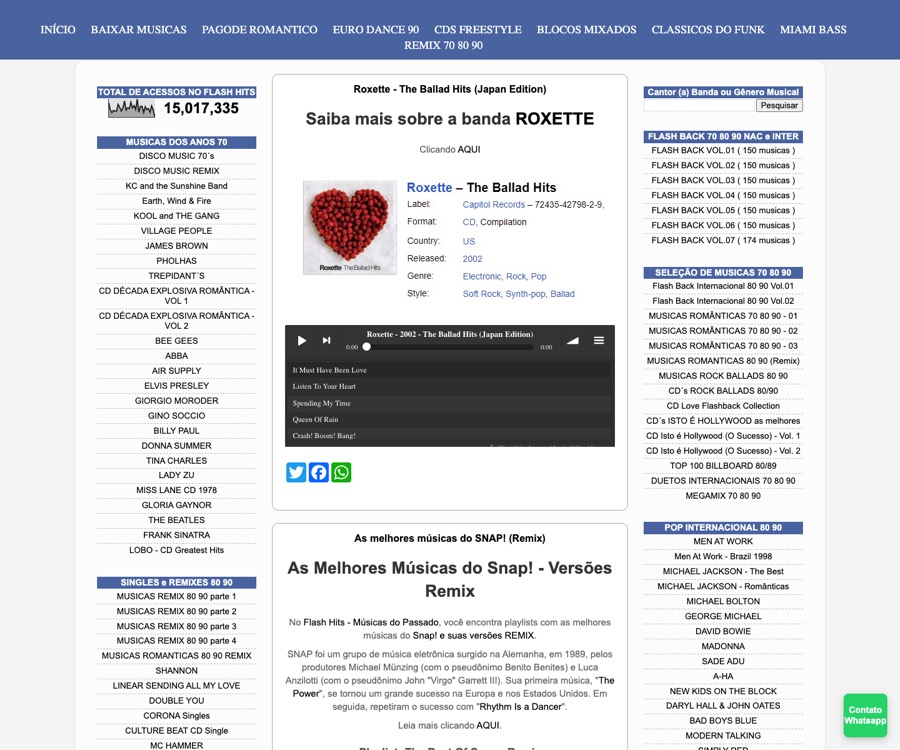
A content-heavy music site can place a playlist directly inside the page instead of sending listeners away.
Install the iRadeo plugin, create a hosted station, save your station ID once, and publish a player with [iradeo]. Use it for sermons, school updates, radio shows, playlists, sponsor reads, and AI voice announcements.
Sermon replay, worship set, and an AI-voiced reminder for Wednesday night.
A normal WordPress audio plugin only plays files. iRadeo hosts the audio, keeps the playlist online, serves the embeddable player, tracks listening, and lets you add generated voice tracks when you need fresh announcements.
Publish sermons, worship sets, event reminders, giving messages, and weekly announcements on the church website.
Run student radio, morning announcements, principal updates, language lessons, and event audio from the site parents already visit.
Embed radio shows, sponsor reads, station IDs, archived programs, and scheduled playlists without rebuilding WordPress.
The new setup flow is built for people who install the plugin before they understand station IDs.
Search for iRadeo Audio Player inside WordPress or download it from WordPress.org.
Upload audio in iRadeo, build a playlist, and copy the station ID from your dashboard.
Save the station ID under Settings > iRadeo Player, then paste one shortcode anywhere.
[iradeo]
People do not only search for "iRadeo." They search for the job: a sermon player, a radio player, a playlist player, or a way to add fresh announcements to a WordPress site.
Embed sermons, worship replays, devotionals, and weekly church announcements without sending members to a separate media site.
Run a station-style player for shows, music, local updates, sponsor reads, and scheduled programming.
Keep a hosted playlist on the page and update tracks from iRadeo instead of editing every WordPress post.
Real sites already use iRadeo as the embedded audio layer. The plugin gives WordPress users the same pattern: publish the page in WordPress, manage the audio in iRadeo, and keep listeners where the owner can convert them.
A content-heavy music site can place a playlist directly inside the page instead of sending listeners away.
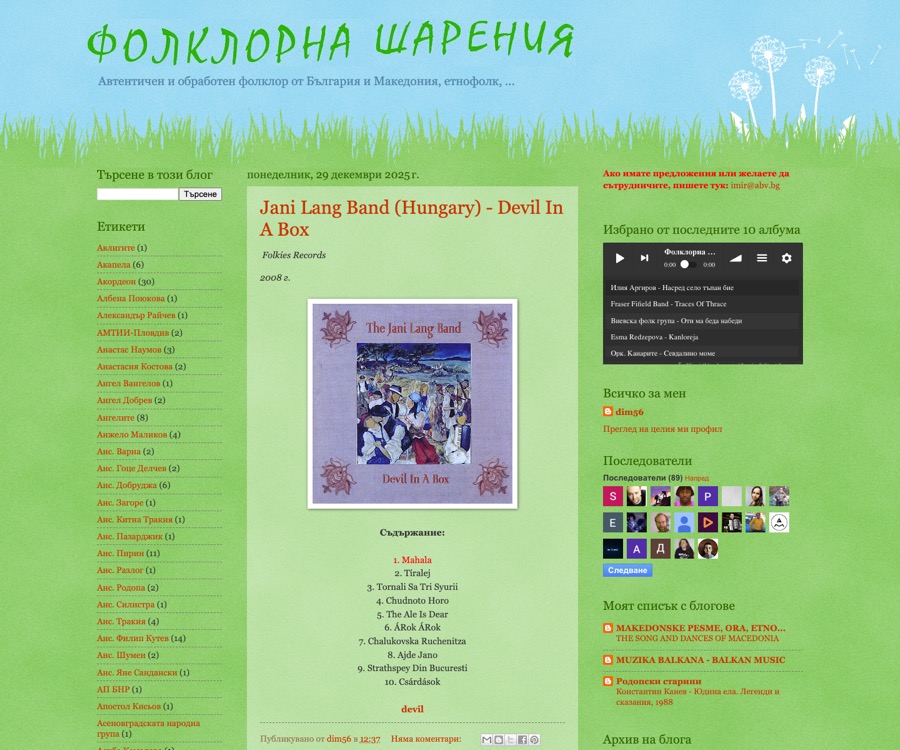
A niche archive can keep its website as the destination while iRadeo handles hosting, playback, and playlist updates.
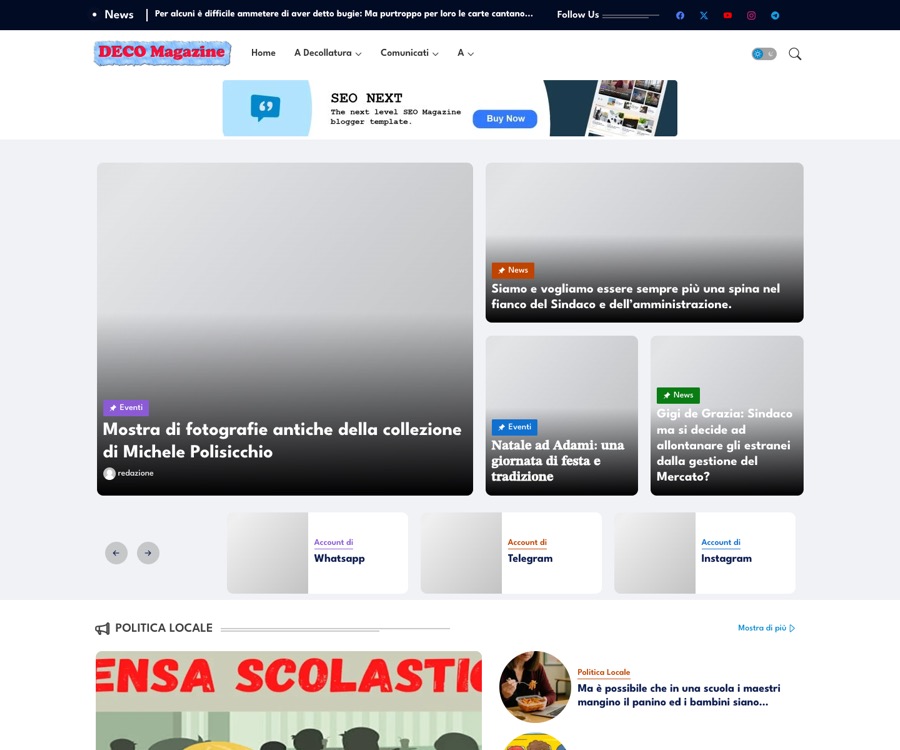
A publisher can add audio beside written content without building a custom media system inside the CMS.
The reason to install is website audio that works. The reason to upgrade is speed: type a reminder, intro, sponsor read, school update, or station ID and turn it into a track you can schedule.
Keep visitors on your own site instead of sending them to a separate audio app. Your page gets the player; iRadeo handles hosting, playback, playlist updates, and analytics.
[iradeo], [iradeo compact="true"], [iradeo bar="true"], or [iradeo id="12345"] to any page.Start with the plugin. Create the hosted station when you are ready to publish real audio.